
Before you begin: To generate a proposal, you need:
- A tracked opportunity in My Desk (see Tracking Government Opportunities)
- A completed company profile
- Uploaded documents in the Documents section (past performance narratives, capability statements, and resumes improve output quality)
- A configured passphrase (see Passphrase)
Generation types
Kontratar supports three types of proposal output:
The generation process below applies to all three types.
How to generate a proposal
Step 1: Select the opportunity
From My Desk, select the tracked opportunity you want to respond to. Click Create Sources Sought Response.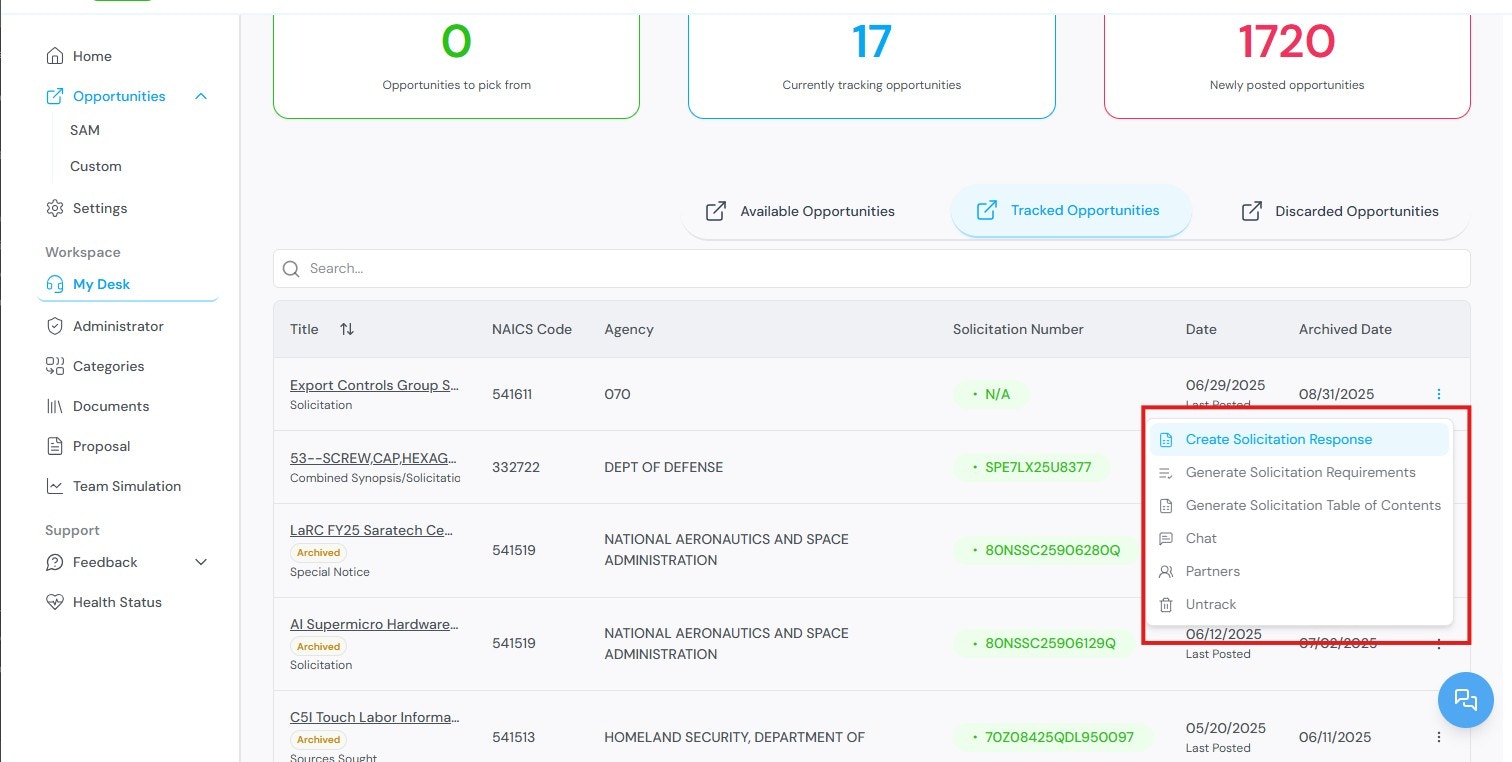
Step 2: Select a profile
Select a company profile. This directs you to the requirements generation section.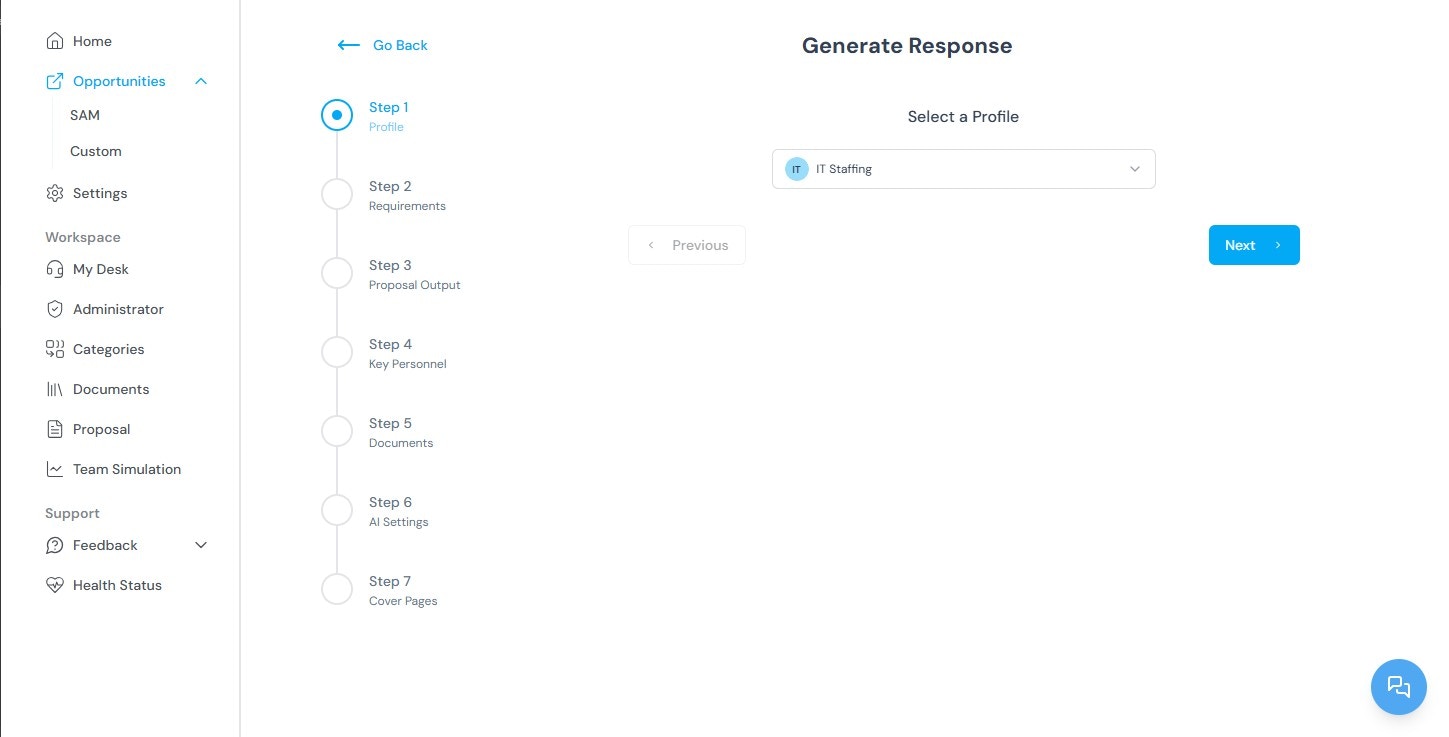
Step 3: Review requirements
The platform extracts and displays the requirements from the solicitation. Review the requirements before proceeding.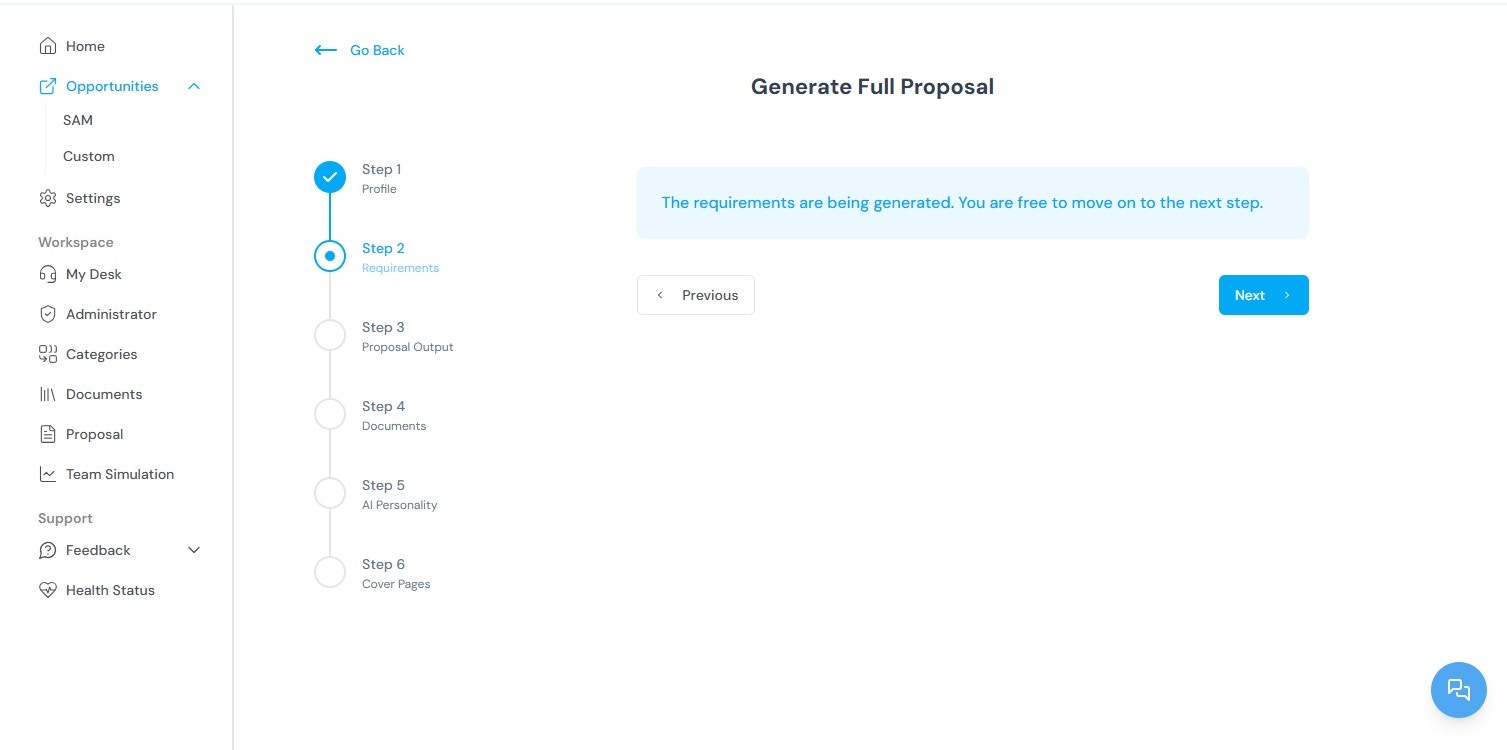
Step 4: Configure proposal output
Once requirements are generated, you are taken to the Proposal Output page. Configure the following options: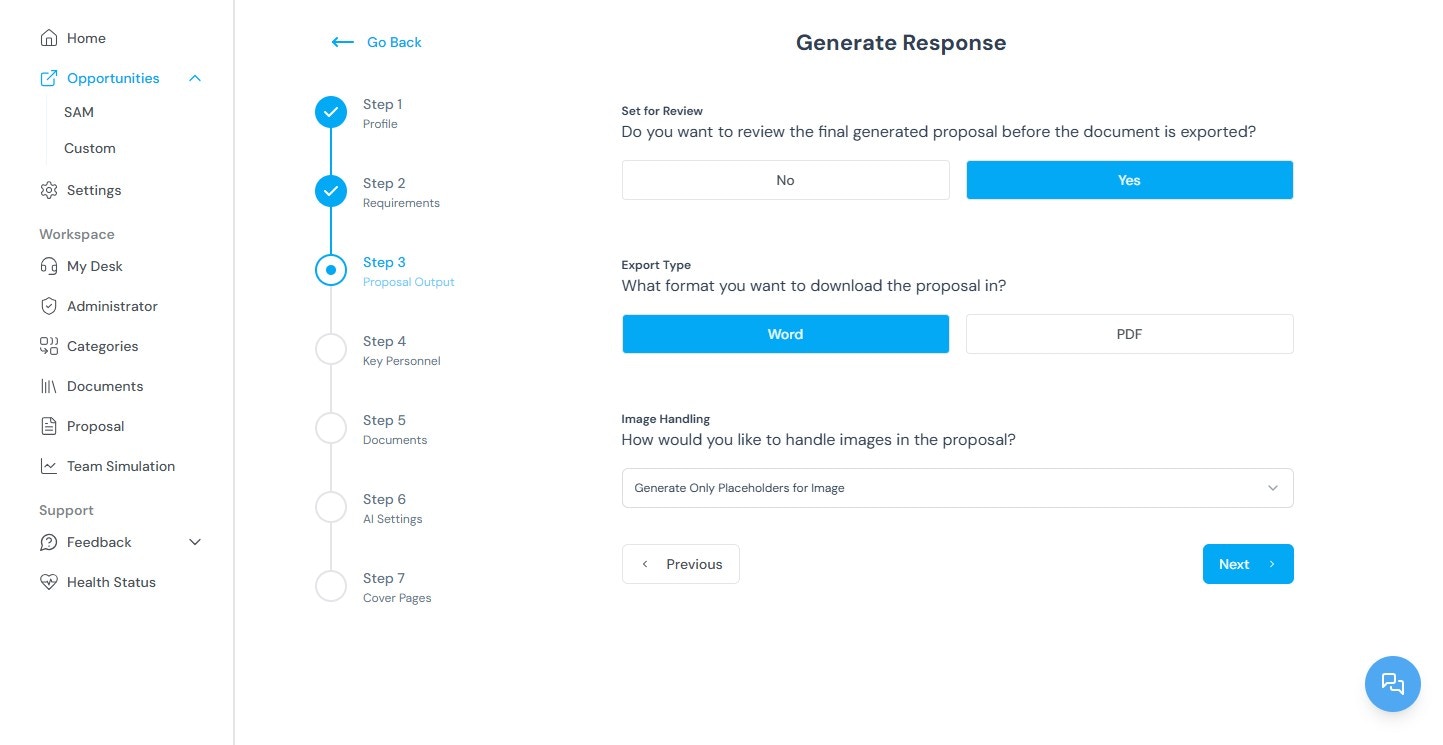
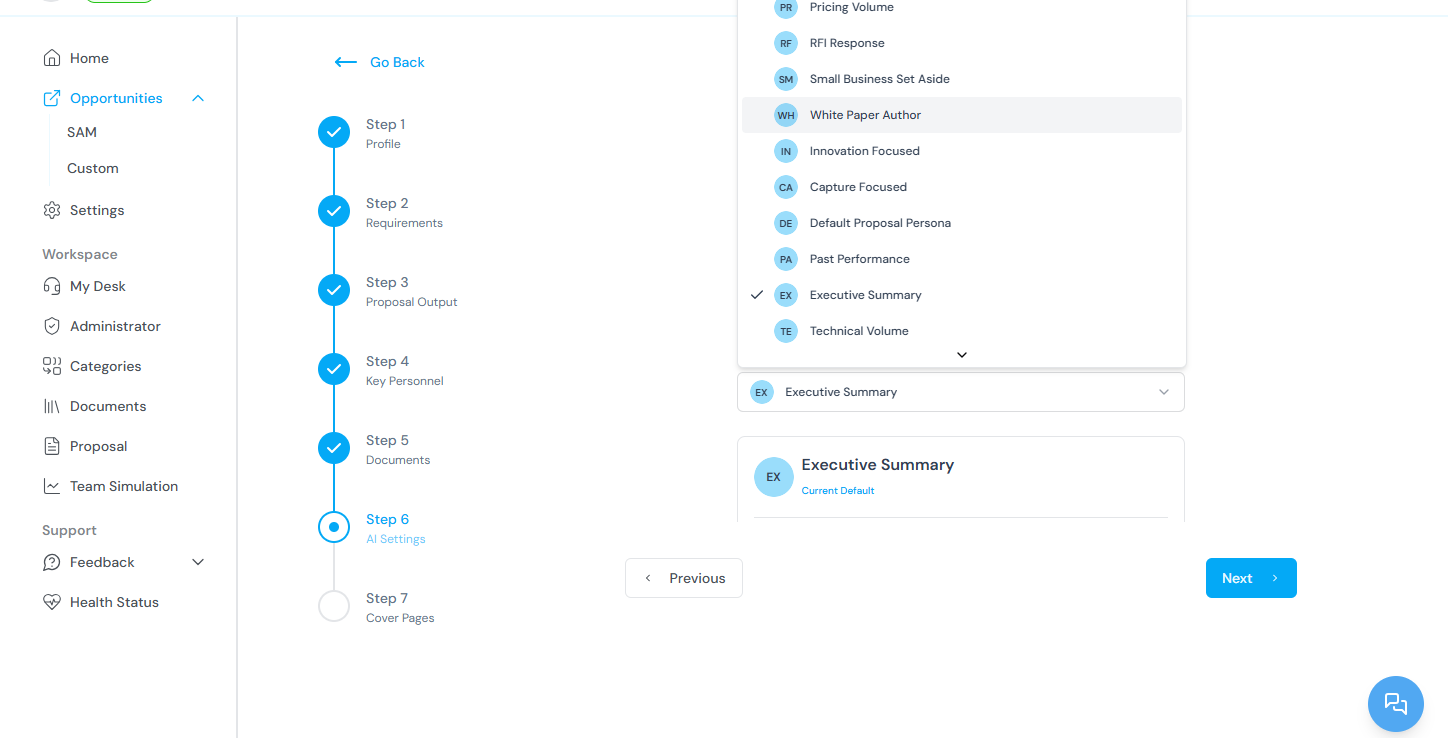
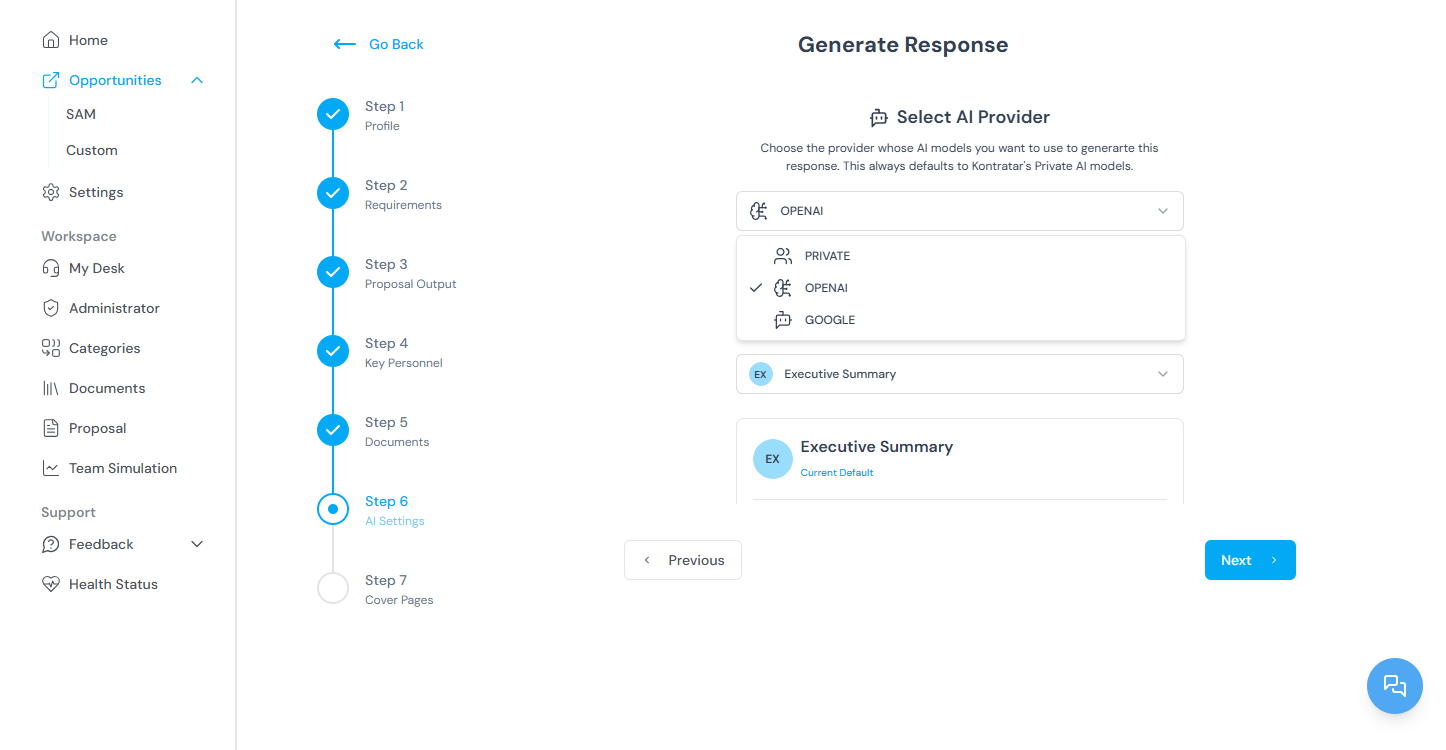
.png?fit=max&auto=format&n=n4UKL_7oO-2yPGeD&q=85&s=f2a49ab60d84a5e73cc72abd67a5e9c0)
Step 5: Generate the proposal
Click Generate Proposal. The platform compiles all sections and produces the document.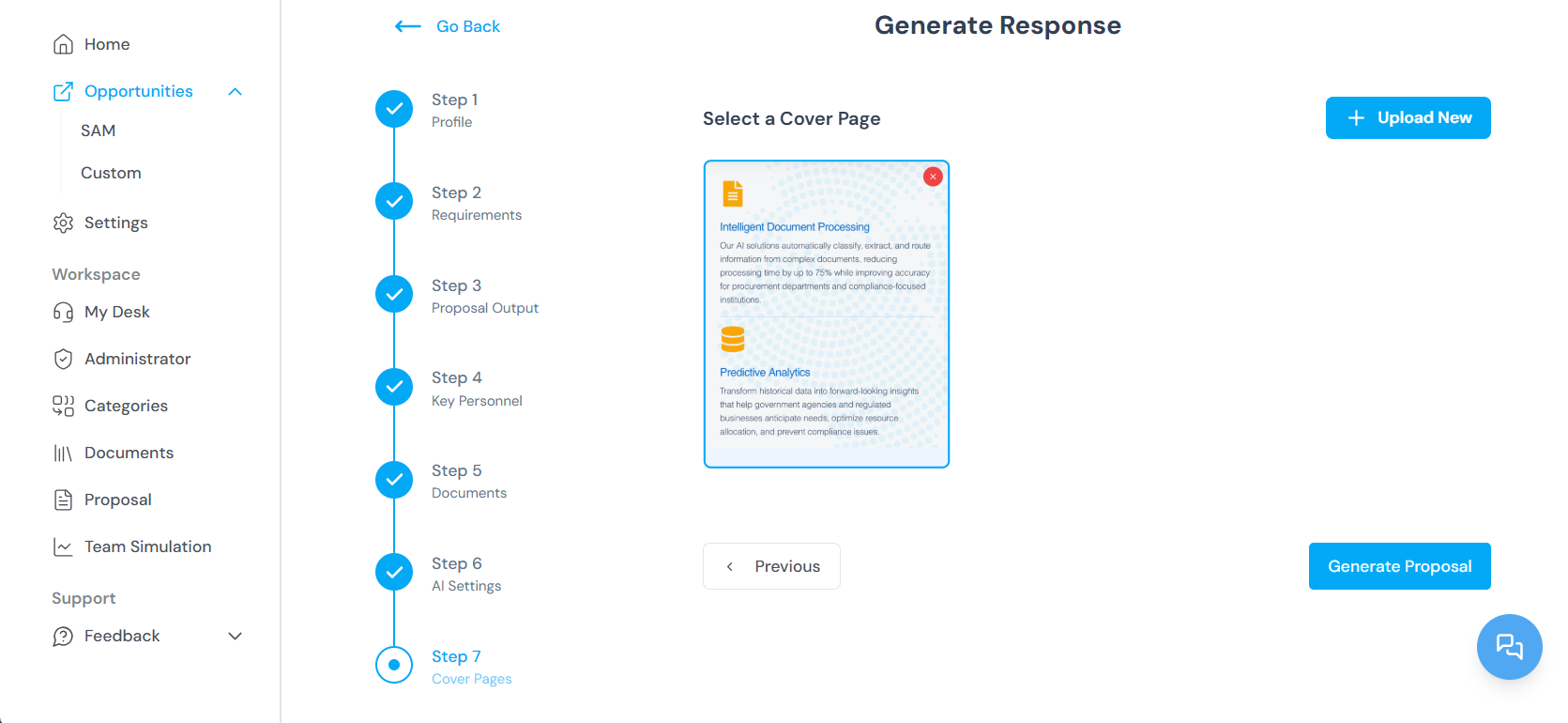
Editing a proposal
Step 1: Open Proposal Administration
From the Home Dashboard, select Proposals from the sidebar to access Proposal Administration. Navigate to the Processed section to find active proposals.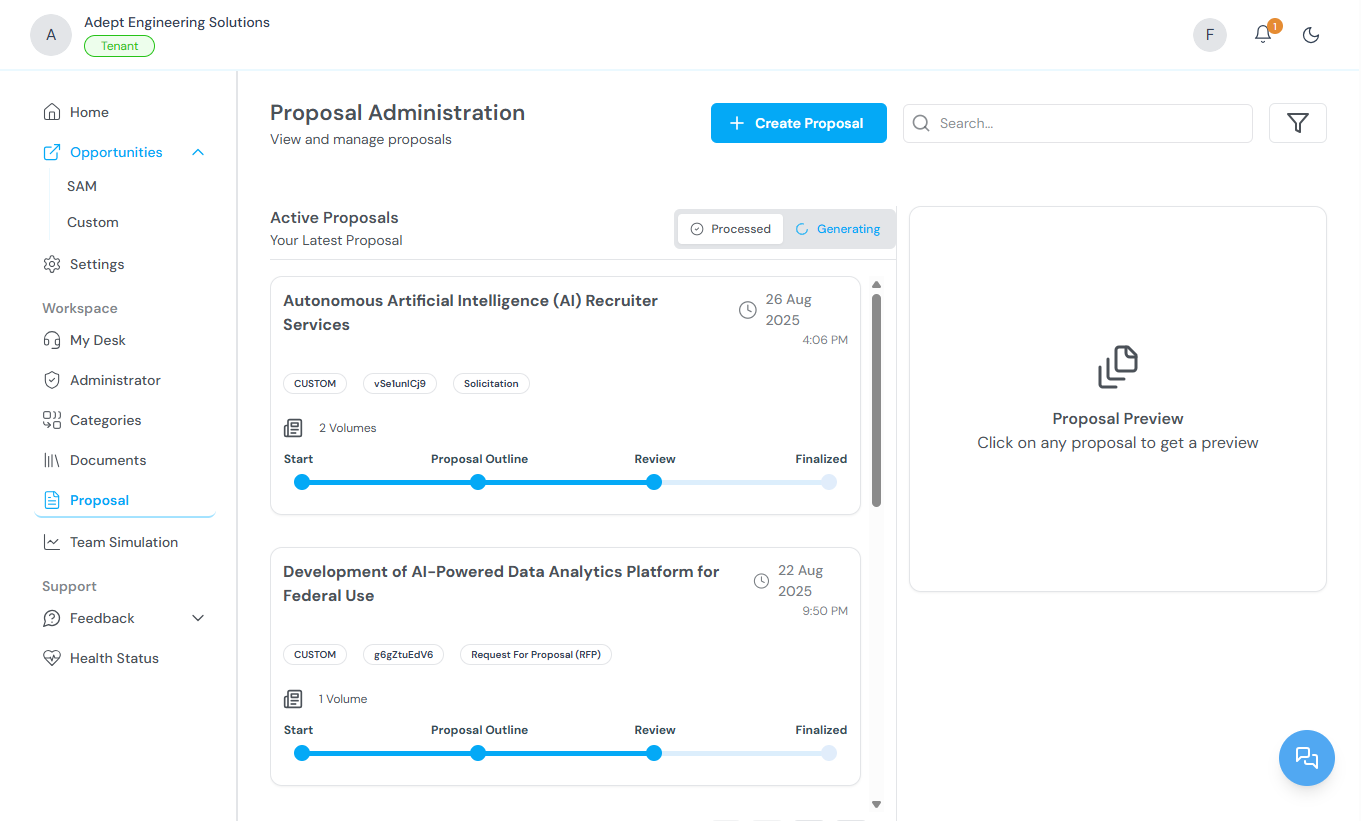
Step 2: Enter edit mode
Click Edit Proposal. The system prompts you to enter your passphrase.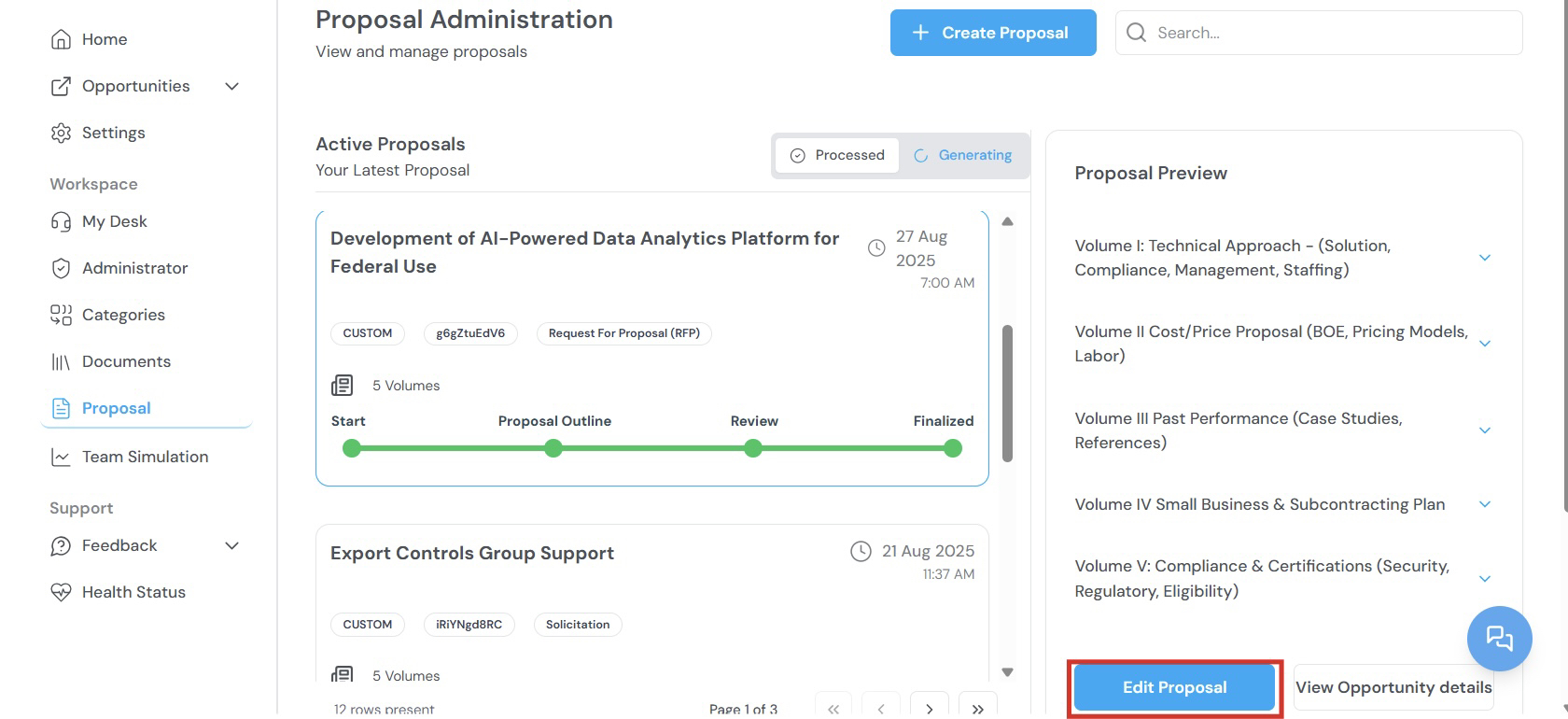
Step 3: Enter your passphrase
Enter your tenant passphrase to access the proposal. This verifies your identity and restricts access to authorized users.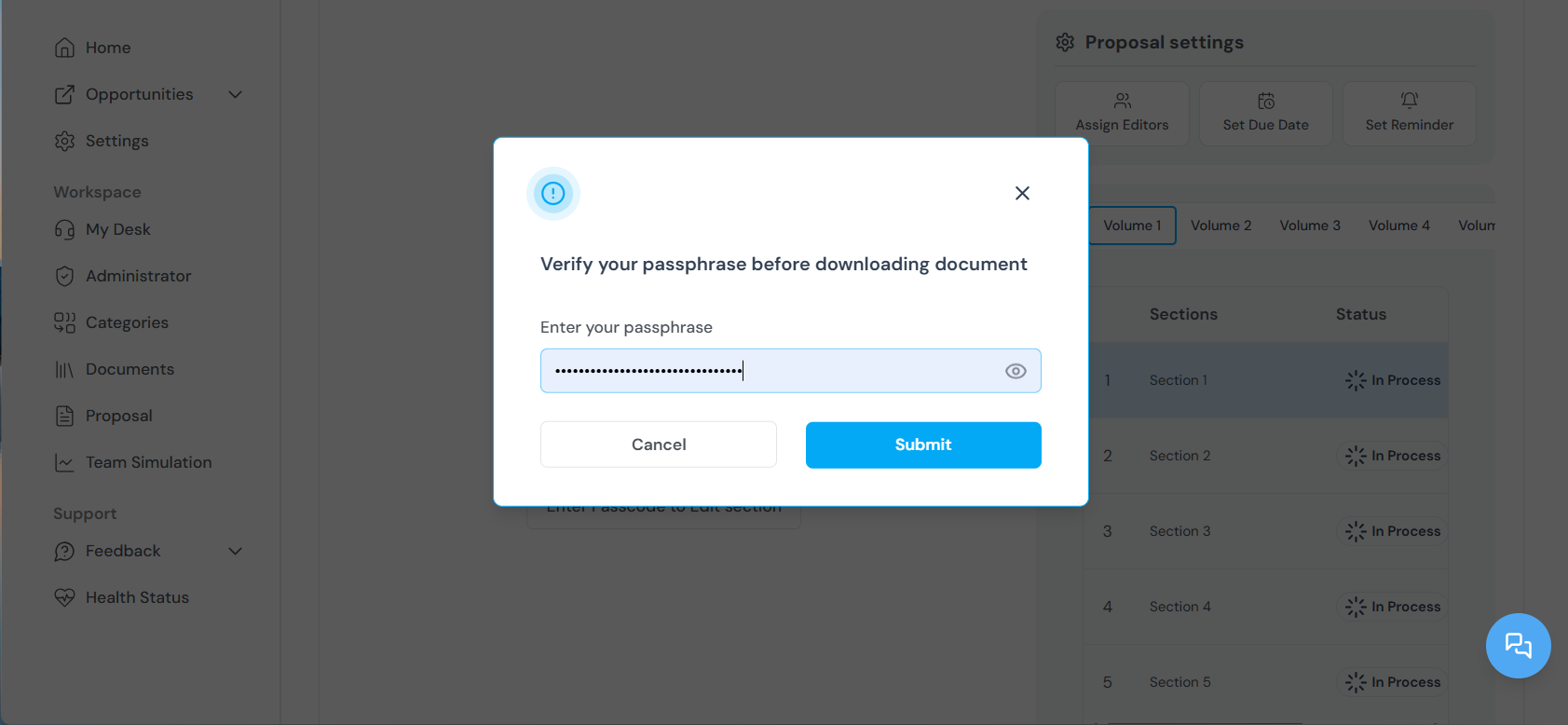
Step 4: Navigate proposal sections
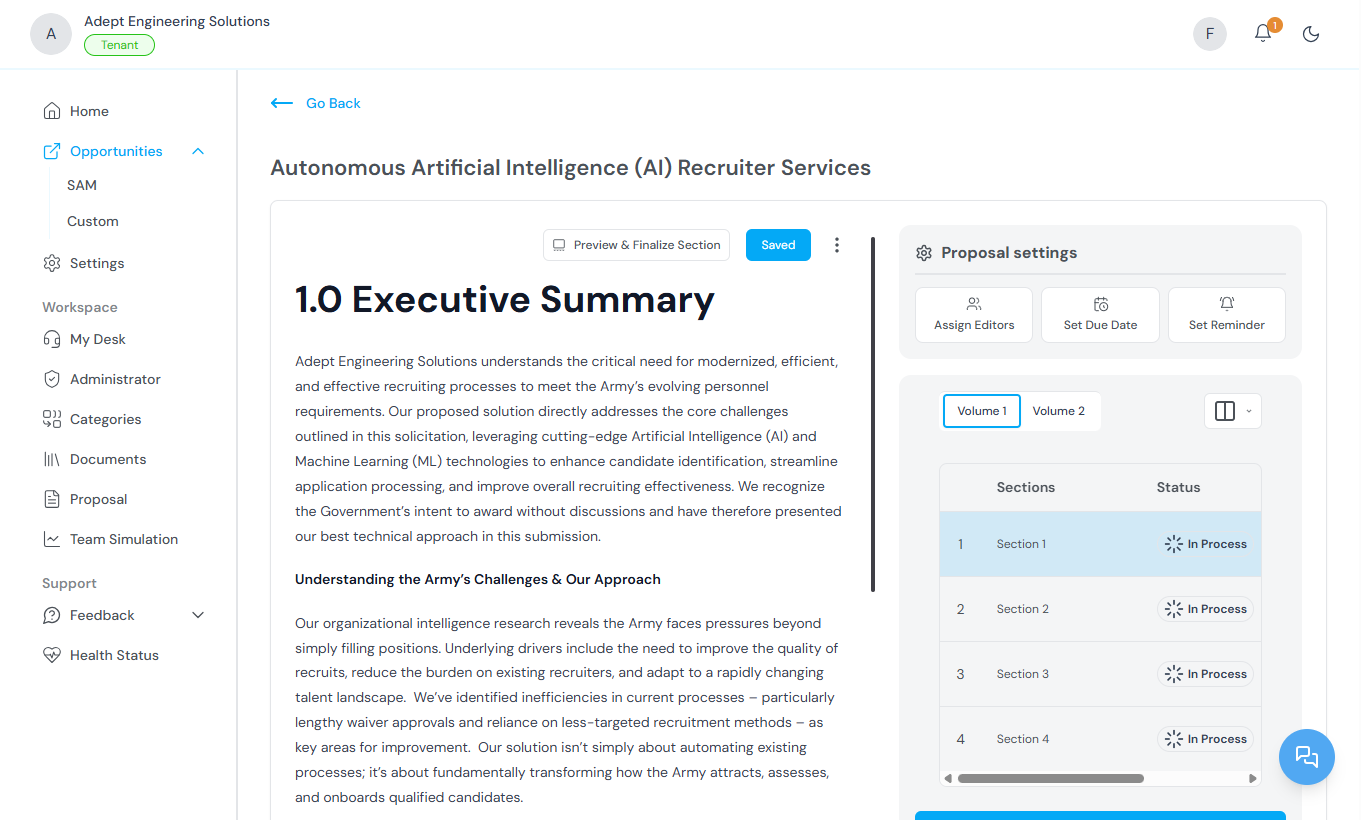
Proposals are organized into volumes or sections (for example, Executive Summary, Technical Approach, Past Performance). Use the side navigation panel to switch between sections. Each section is editable and displays real-time status indicators.Step 5: Manage editors
At the top of each section, a list of assigned editors is displayed. To add editors, click the editor dropdown and select team members with the appropriate access level. The platform maintains version control to track all changes and contributions.Step 6: Use the Actions tab
Click the Actions tab to access project management controls:Exporting a proposal
Once your proposal is complete:- Preview the full proposal.
- Select which volumes or documents to include in the export.
- Export the final version as PDF or Word.
Related topics
- Tracking Government Opportunities — How to track the opportunities used for proposal generation.
- Team Simulation — Evaluating organizational fit before generating a proposal.
- Documents — Uploading company files that improve proposal quality.
- Passphrase — Setting up and managing your proposal encryption passphrase.
- Administrator Workspace — Managing proposals across the organization.